Welcome
Welcome to PawBack 🐾
Everything you need in two minutes.

In the box
What you just unpacked
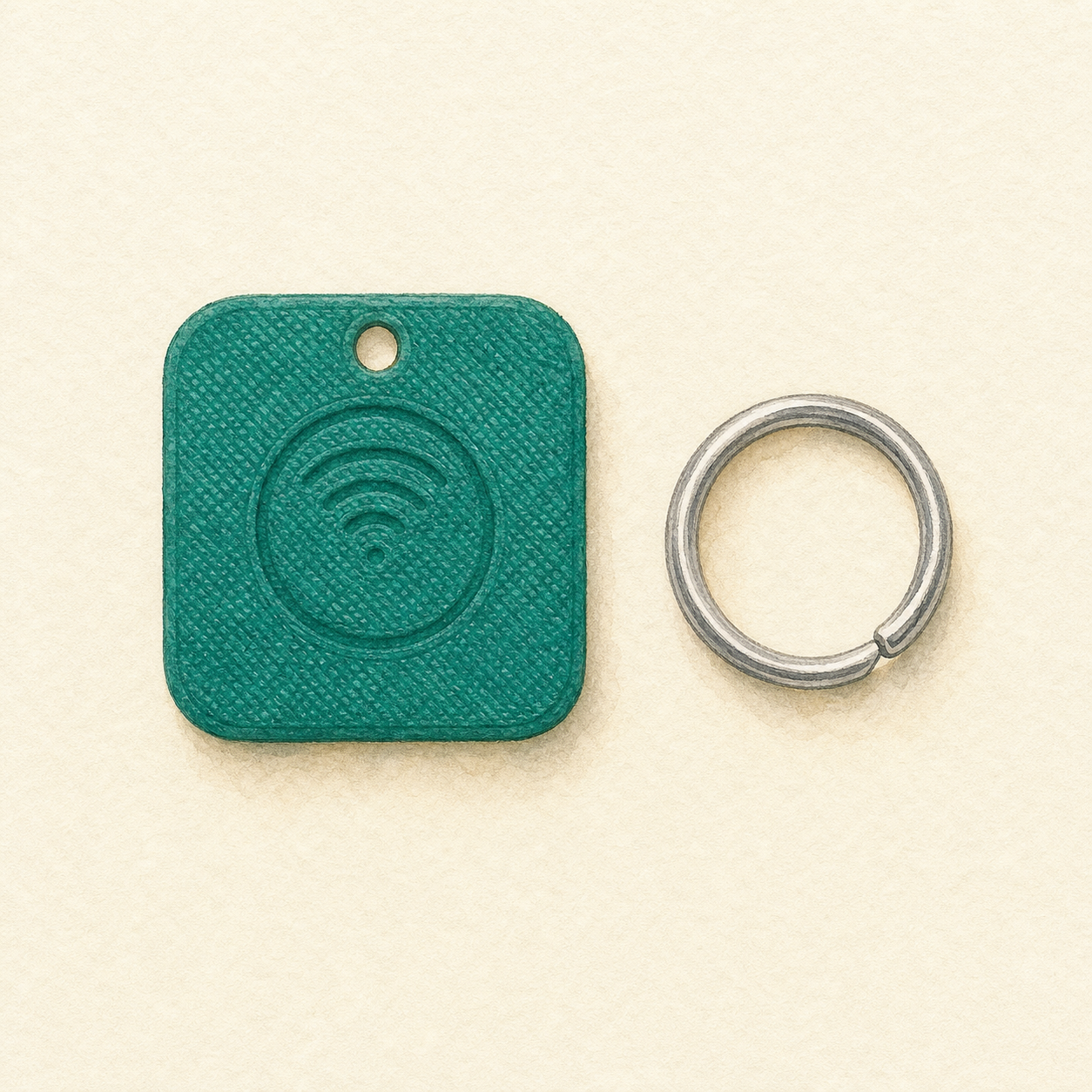
- 1 PawBack tag (or 2, depending on your order)
- 1 split ring to attach to the collar
Two sides: one side has the QR code — a finder can scan it with any phone camera. The other side has the NFC symbol (tap-to-open) and, if you chose engraving, your pet's name.
Your tag ID is the 6-character code printed on the tag, the envelope, and this email. Keep it — you'll need it if you ever re-link the tag.
Get the app
Install PawBack
You can also do everything from pawback.pet, but the app makes activation and lost-pet alerts one-tap.
 iPhone
 Android
Set up + activate
Get your pet on the map
1. Sign up at pawback.pet or in the app (email, Apple or Google).
2. Add your pet's profile: photo, name, breed, microchip, sex, sterilisation, vaccinations, meds, allergies, vet contact, and any emergency notes for a vet (e.g. "prone to seizures — no paracetamol").
3. Activate your tag — two ways:
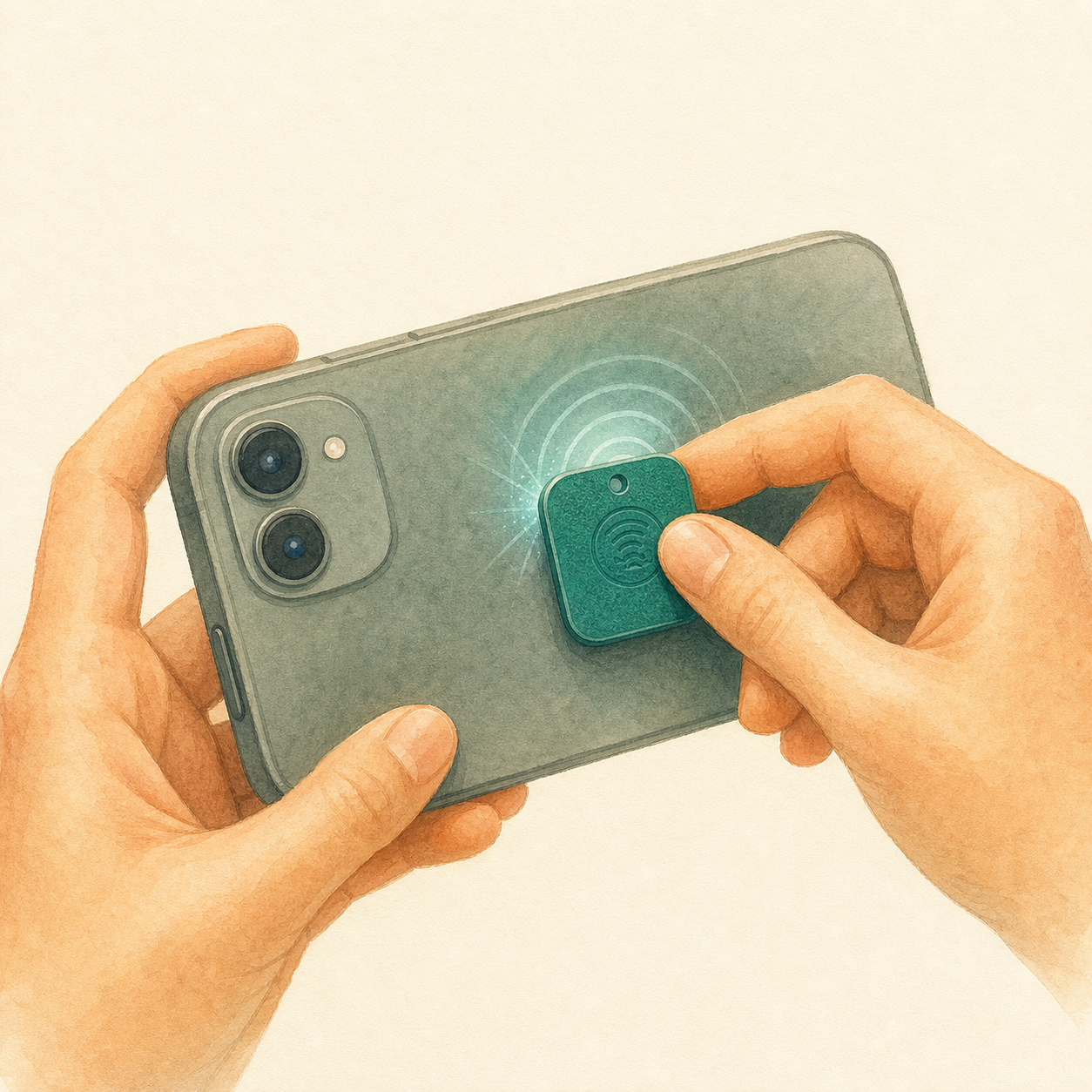
📱 NFC (fastest)
In the app: Tags → "Tap NFC tag to scan", then hold the tag against the back of your phone. iPhone: top. Android: middle. The ID fills in automatically.
⌨ Manual
Enter the 6-character ID into "Activate a tag" on the site or in the app.
One tag per pet at a time. NFC not working? The manual path always works.
Attach
Clip the tag on the collar
Use the included split ring to attach the tag to your pet's collar.
Hang the tag with the QR side facing outward so a finder with any camera can scan it in one glance. The NFC side (with engraving if you chose it) is on the back.
If lost
What happens when someone finds your pet
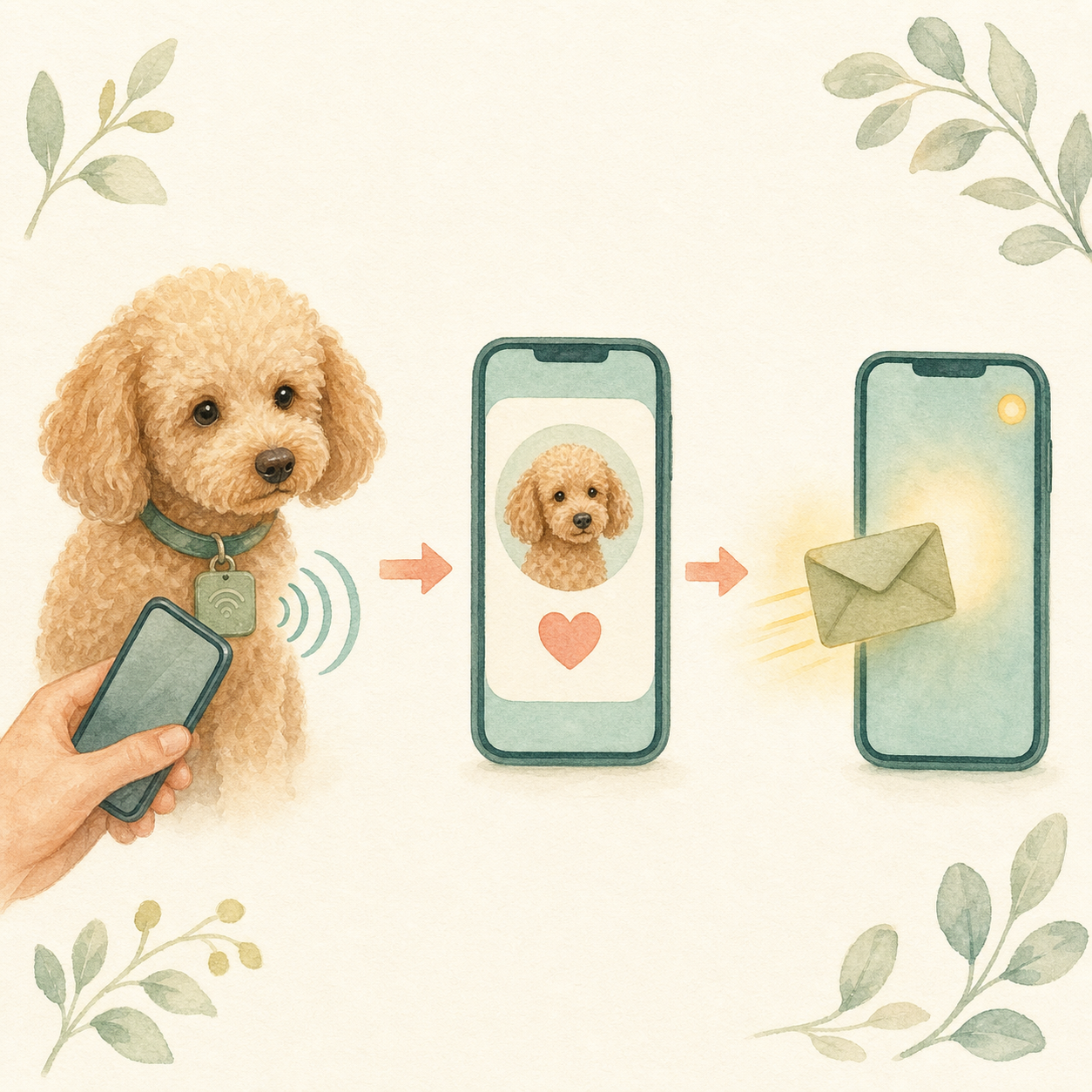
- They tap their phone against the tag or scan the QR code with any camera.
- Your pet's profile opens in their browser — no app needed on their end.
- They message you through PawBack. Your name, email, and address stay hidden.
- You get the message in seconds — push notification (if you have the app) and email.
With PawBack Premium, finders can also call a private PawBack number that rings you without exposing your real number.
Marking as lost
If your pet goes missing
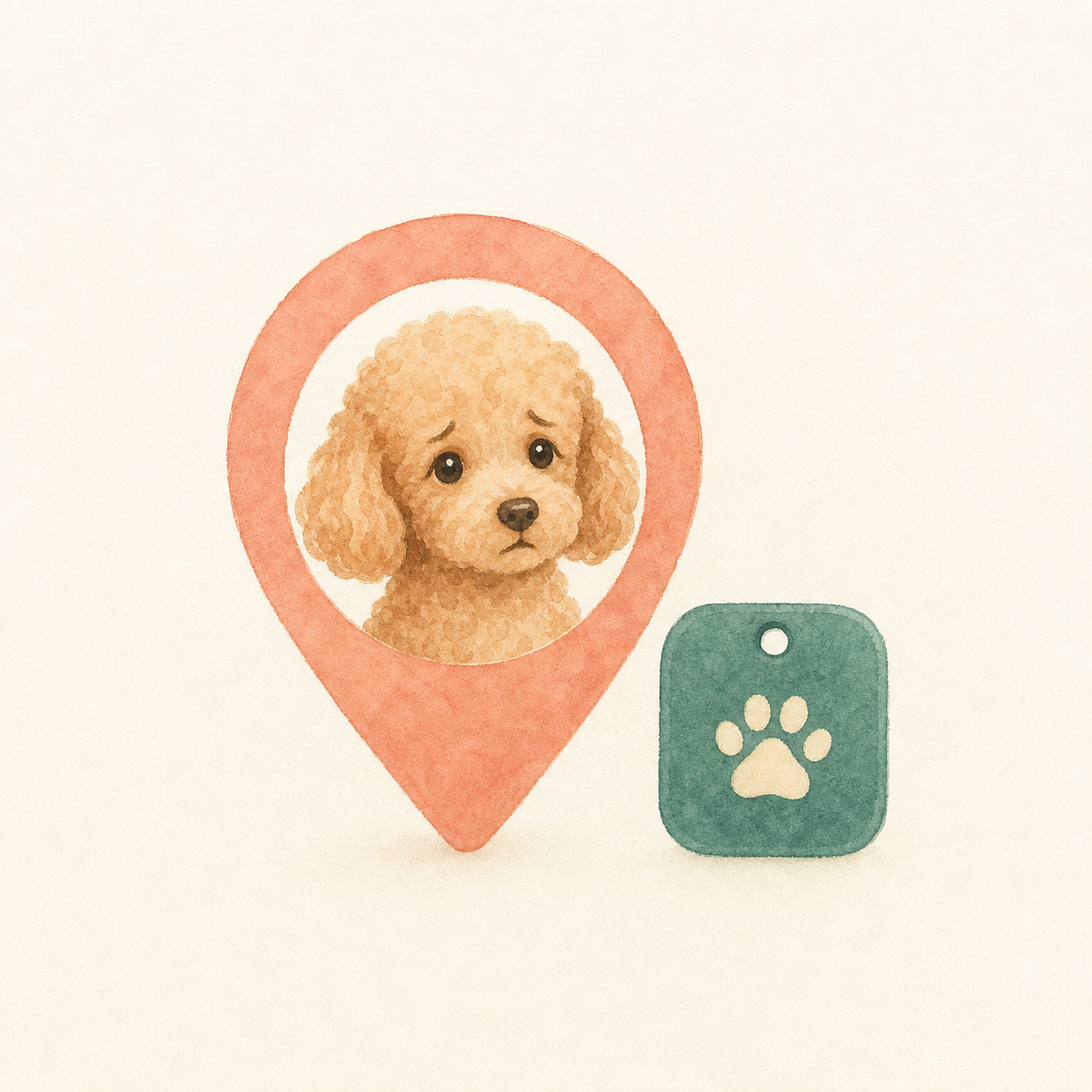
In the app or on the site: Pets → select your pet → Mark as lost. A red LOST banner appears on your pet's public tag page so finders know it's urgent. Flip back to Found with one tap when they're home.
With Premium: nearby PawBack users in your postal code get a push asking them to keep an eye out. When you mark your pet as safe, they get a follow-up.
Premium — optional (€5/year)
Extra features when you want them
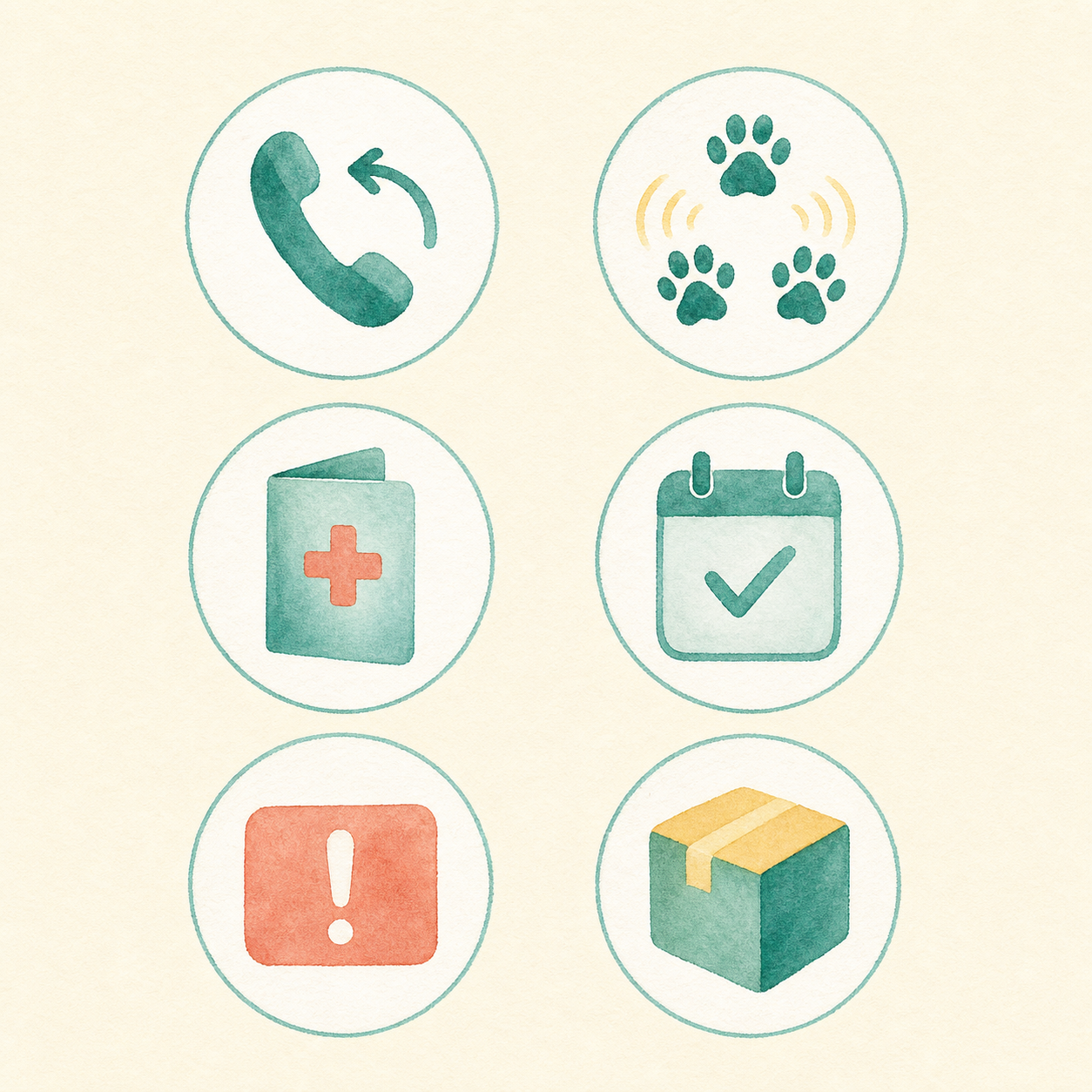
Everything above works free, for the lifetime of your tag. Premium adds:
- Private phone line — finders reach you without seeing your number.
- Neighborhood alerts — nearby PawBack users get a push if your pet goes missing.
- Vet-sharable medical card — 30-day link + QR for your vet or boarding.
- Emergency notes shown as a red banner on the medical card.
- Vaccination reminders by email (30 / 7 / 1 days out).
- Scan activity log — see who scanned your tag, when, and where.
- Free DE shipping + EU discount on tag orders.
Upgrade any time at pawback.pet/account. Cancel any time.
Help + privacy
We're one email away
support@pawback.pet — a human replies within a day, in English or German.
Privacy: your name, email, and home address are never public. Your phone number is only shown if you choose. Data is stored in the EU.
About PawBack
Built in Düsseldorf

By Fazy and Milad, after their dog Bennie ran off in a park. Made, assembled and shipped from our home.
MG Business Lab · Kaarster Weg 24, 40547 Düsseldorf