Blog · dog tag · QR code · NFC · lost dog
QR code and NFC on a dog tag: how each works and why you want both
QR code and NFC on a dog tag do the same job in different ways. How each works, what a finder needs on their phone, and why a good tag carries both.
· 5 minute read
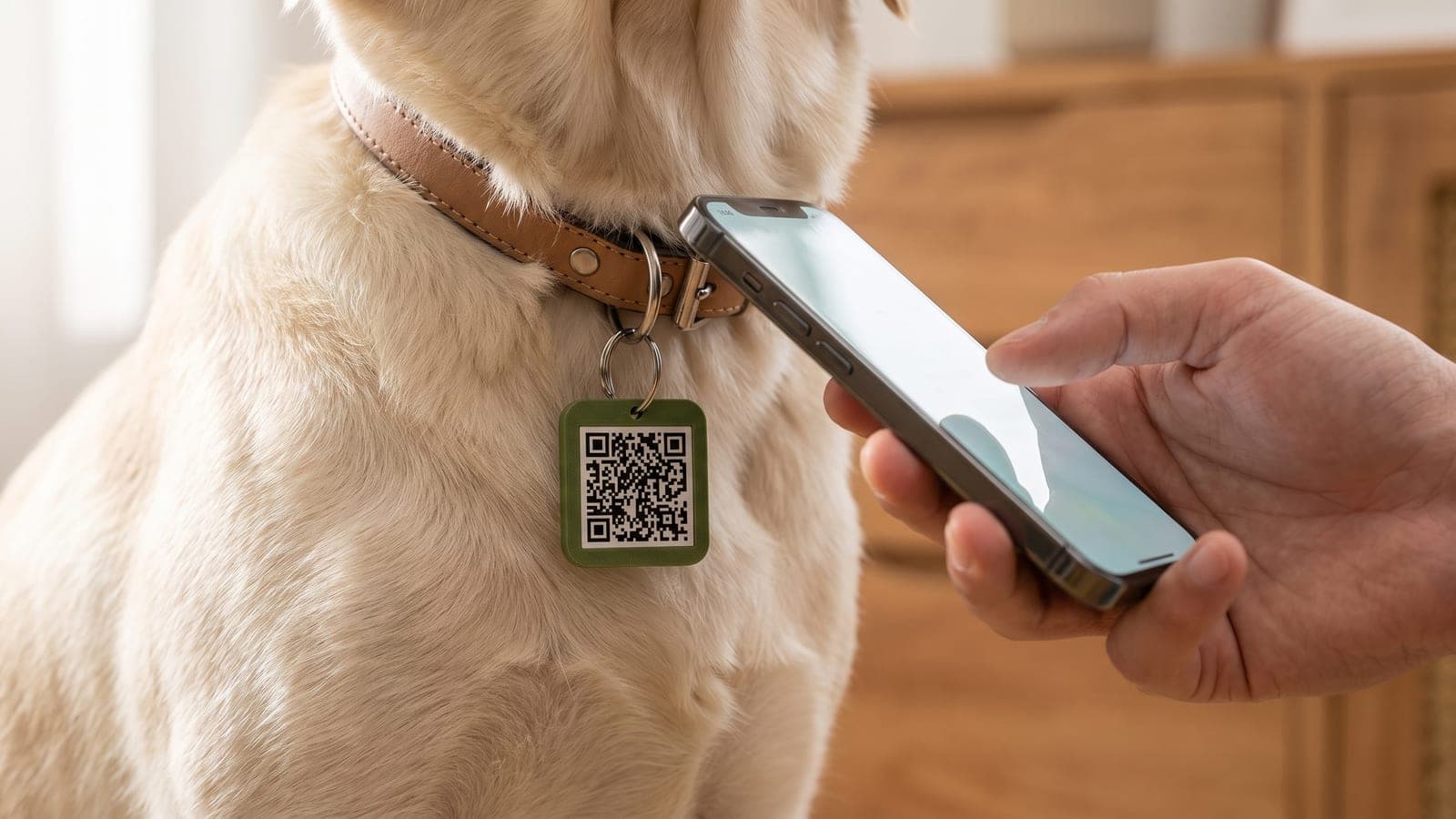
A dog tag with a QR code and NFC has one job: to open a page on a stranger's phone that lets them reach you. Both technologies get there, but by very different routes.
QR code: a pattern the camera reads
A QR code is a printed pattern that holds a piece of data, for example a web address. A phone camera reads it optically, whichever way up it happens to hang. It was developed by the Japanese company Denso Wave and released in 1994. The company declared it would not exercise its patent, so anyone can use QR codes at no cost.
One property matters a lot on a dog tag: built-in error correction. According to Denso Wave, the data can be restored if the code is dirty or damaged. There are four levels, which recover roughly 7 to 30 percent of the data. So one scratch is not the end of a code. A surface that is half rubbed away is.
What the finder needs: a smartphone with a camera, enough light, a readable code and an internet connection. On an iPhone, Apple says to open the Camera app, hold the phone so the code appears, and tap the link. Google's camera app works in a similar way, though Google notes that the feature is only available on selected devices.
NFC: radio over a very short distance
NFC stands for Near Field Communication. According to the NFC Forum, which maintains the standard, it uses a base frequency of 13.56 MHz and has a typical range of up to 2 cm. The finder really does have to hold their phone against the tag.
The chip in the tag has no battery. The phone supplies the power over the radio link, which is why an NFC tag never needs charging.
For the NTAG213, the chip inside our tags, the manufacturer NXP states data retention of 10 years and write endurance of 100,000 cycles. Those are the manufacturer's figures for the chip, not a promise about how long a tag lasts on a collar.
What the finder needs: a phone with NFC and an internet connection.
- iPhone: According to Apple, iPhone XS and later read NFC tags in the background, with no app. A notification appears, and the finder taps it. This only works while the iPhone is in use, and not in airplane mode or while the camera is open.
- Android: According to the Android documentation, devices usually look for NFC tags while the screen is unlocked, unless NFC has been switched off in the settings. Most Android phones have NFC, but not necessarily all.
Where each one runs out
QR code
- It needs light and a clear view. On an evening walk, or under a layer of mud, it gets difficult.
- It sits on the outside and wears with the tag. Error correction helps, but only up to a point.
- On the other hand, everyone can see it.
NFC
- It is invisible. Someone who doesn't know there is a chip in the tag won't hold their phone to it.
- It doesn't help if the finder's phone has no NFC, or has it switched off.
- On the other hand, it needs no light, and the chip can sit protected inside the tag.
Why a tag should carry both
You don't get to choose who finds your dog. You don't know what phone they carry, whether it is light or dark, or what the tag looks like after two years of woods and wet grass.
The weak points of the two technologies barely overlap. If the code is scratched or it is too dark, the chip still works. If NFC is off or the finder has never heard of it, the code is right there to see. Two routes to the same page are safer than one.
What neither can do
- Locate your dog. QR and NFC only help once a person has found your dog. For live location you need a GPS tracker. When that is worth it is covered in AirTag, Tractive or PawBack.
- Work without internet. Both open a web page. With no signal, it won't load.
- Replace the microchip. The chip under your dog's skin is a different thing from the NFC chip in a tag. It takes a reader, which vets and shelters have. A tag adds to the microchip. It does not replace it.
- Decide what the finder sees. That depends on the page behind the tag. What to look for is in our guide What should a dog tag actually reveal?
How to test your tag
Whoever made your tag, try it before you need it.
- Scan the QR code with your phone camera.
- Hold your phone against the tag until the page or a notification appears.
- Do both again with a second phone, ideally one iPhone and one Android.
- Read the profile the way a stranger would.
- Repeat every few months. If the code gets hard to read, replace the tag.
If your dog does run off one day, start with our lost dog checklist for the first 60 minutes.
How we built it at PawBack
Our tag has a QR code on the front and an NFC chip inside, plus an engraved six-character ID. Scanning and tapping open the same page in the browser: your dog's profile with photo, name, breed and medical notes, and a contact form. The finder needs no app and no account. We pass their message on to you.
If a tag wears out after years on the collar, we print a replacement with the same ID for €5.99.
A PawBack tag costs €9.99 once, with no subscription. The profile is hosted free for the lifetime of the service. Every tag is printed in Düsseldorf, and we ship within the EU only. Have a look at the PawBack tag.